July 4, 2026
AI Receptionist for Dental Practices: 2026 Guide

An AI receptionist for a dental practice is a software system that handles inbound calls, books appointments, collects patient intake data, and answers common questions around the clock without human staff. Dental practices that rely solely on human reception miss 20%–35% of calls, and 85% of callers never call back after a missed call. Those two numbers alone explain why automated dental appointment scheduling has moved from a nice-to-have to a front-desk necessity. The industry term for this technology is conversational AI, and it covers everything from phone call automation to WhatsApp messaging and real-time calendar sync with practice management software.
What does an AI receptionist do in a dental practice?
An AI receptionist for a dental practice handles the four tasks that consume most of a front desk team’s day: answering calls, scheduling appointments, collecting patient information, and sending confirmations. It does all four simultaneously, at 2:00 AM on a Sunday if needed.
The intake process is the clearest example of its value. When a new patient calls, the AI collects name, date of birth, insurance details, and reason for visit, then logs everything into PMS platforms like Dentrix or Eaglesoft before the call ends. The patient receives a confirmation by text or email immediately. No paper forms. No callbacks the next morning.
Triage is where the technology gets more nuanced. AI receptionists triage based on objective symptoms reported by the patient, such as pain level or fever, but they never offer a clinical diagnosis. That boundary is non-negotiable. Clinical decisions stay with licensed providers, and any well-configured AI system enforces that line automatically.
What do you need to implement an AI receptionist?
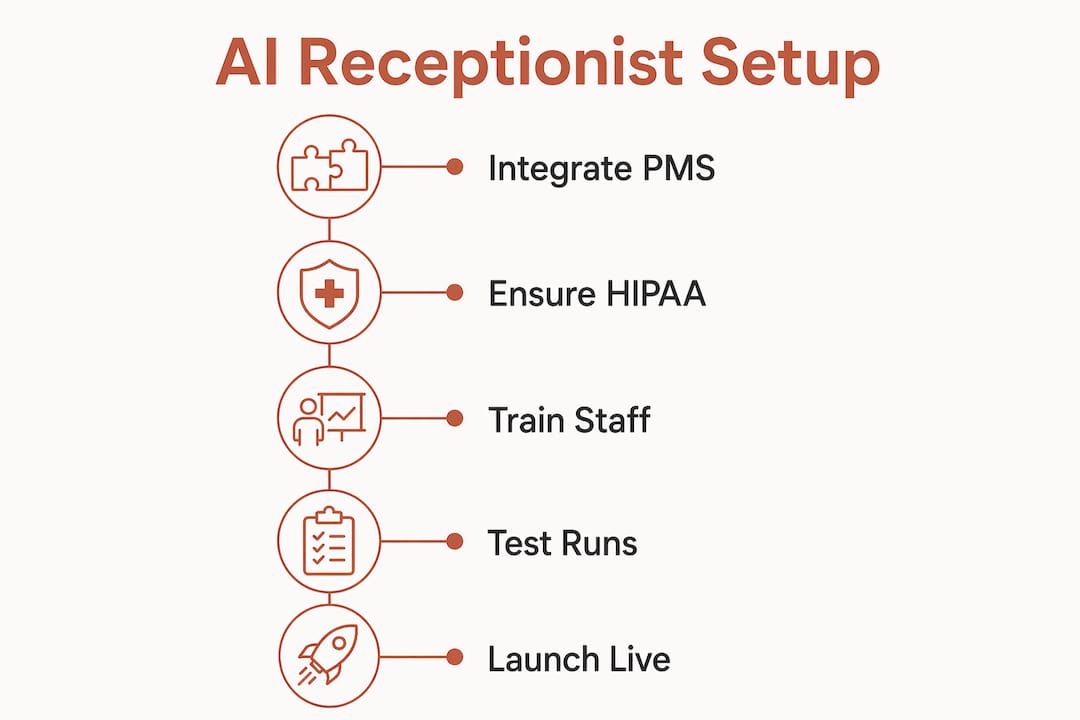
Getting a virtual receptionist running in a dental office requires more than signing up for software. Four areas need attention before you go live.
Practice management system integration
Your AI receptionist must connect directly to your scheduling calendar. Platforms like Dentrix, Eaglesoft, and Open Dental are the most common targets for integration. Without a live calendar connection, the AI cannot confirm real appointment slots, which defeats the purpose.
HIPAA compliance and Business Associate Agreements
HIPAA compliance requires vendors to sign a Business Associate Agreement and encrypt all Protected Health Information during storage and transmission. This is a legal obligation, not a marketing checkbox. Before you sign any contract, request the BAA in writing and confirm the vendor uses end-to-end encryption.
Infrastructure and staff readiness
| Requirement | What to check |
|---|---|
| PMS integration | Confirm API or native connector exists for your platform |
| BAA from vendor | Must be signed before any patient data flows through the system |
| Data encryption | Verify encryption in transit and at rest |
| Call routing rules | Define which calls escalate to human staff immediately |
| Staff training | Front desk team must know when and how to take over from AI |
Pro Tip: Run a two-week parallel test where both the AI and a human receptionist handle calls. Compare accuracy, booking rates, and patient feedback before going fully live.
The staff training piece is underestimated by most practice managers. Your team does not need to become technology experts. They need to know exactly when the AI will transfer a call to them and what information will already be captured when it does.
How to set up and run AI dental appointment scheduling
A clean setup follows a specific sequence. Skipping steps creates gaps that frustrate patients and erode trust in the system.
- Connect the AI to your PMS calendar. Map every appointment type, duration, and provider availability. The AI books only into slots you define.
- Configure call flows for three scenarios. Routine scheduling, urgent triage, and general FAQs each need a separate script path. Urgent calls should trigger an immediate human handoff.
- Write scripts that match your practice’s voice. The AI should sound like your front desk, not a generic phone tree. Use the same language your team uses for common questions about insurance, parking, and office hours.
- Activate SMS and email confirmations. Patients receive a booking confirmation the moment the call ends. Set a reminder at 48 hours and again at 24 hours before the appointment.
- Set up a performance dashboard. Track call volume, booking conversion rate, missed transfers, and patient satisfaction scores from day one.
Pro Tip: Record the first 50 AI calls and review them personally. You will catch script gaps and tone problems in the first week that no dashboard will flag automatically.
Real-time booking is the feature that drives the most immediate revenue impact. Dental no-show rates range from 10%–30%, and automated reminders sent by the AI directly reduce that number. Practices that send SMS confirmations see measurable drops in no-shows within the first billing cycle.
How to avoid the most common AI receptionist problems
The biggest mistakes dental offices make with AI receptionists are not technical. They are operational.
- Clinical boundary violations. The AI must never suggest a diagnosis or recommend a treatment. Configure the system to redirect any clinical question to a human provider immediately. Triage stays non-clinical, limited to collecting symptom descriptions and urgency level.
- Patient frustration from poor handoffs. Patients tolerate AI well when the handoff to a human is fast and informed. They do not tolerate being transferred and then asked to repeat everything they just said. Pass the full call transcript to the human agent automatically.
- Skipping weekly audits. Scripts drift. Patient questions evolve. A script that worked in january may confuse patients by march. Audit AI scripts weekly and update them based on real call data.
- Ignoring encryption after go-live. Vendors update their platforms. Confirm your BAA still covers any new features or data flows after major software updates.
- Treating the AI as overflow only. The technology works best as a primary front-line filter, not a backup for when staff are busy. Practices that deploy it as overflow get overflow results.
“AI receptionists function best as front-line filters with routine audits, not just as overflow answering services. Weekly script reviews and clean human handoffs are what separate practices that see real results from those that abandon the technology after three months.”
Escalation protocols deserve their own written policy. Define exactly which call types bypass the AI entirely: dental emergencies, patients reporting severe pain, calls from other providers, and any situation where the patient explicitly asks to speak with a person.
How do AI receptionists affect dental practice revenue and efficiency?
The financial case for an AI receptionist in dentistry is direct. Missed appointments cost US healthcare an estimated $150 billion annually as of 2024. A significant portion of that loss traces back to missed calls and scheduling failures that happen outside office hours.
The cost comparison is equally clear. AI receptionist pricing runs $200–$600 per location monthly, compared to $3,000–$4,000 monthly for a full-time human receptionist. That gap funds other clinical investments. The AI does not call in sick, does not need benefits, and does not take lunch.
Patient satisfaction improves for a specific reason: speed. When a patient calls at 7:00 PM to book a cleaning, they get a confirmed appointment in under two minutes. That experience builds loyalty faster than any follow-up survey. Practices that offer 24/7 AI-powered booking capture patients who would otherwise book with a competitor that answers after hours.
Operational efficiency compounds over time. As the AI handles routine calls, your front desk team focuses on in-office patient experience, insurance verification, and complex scheduling. That reallocation of attention raises the quality of every patient interaction that actually requires a human.
Key Takeaways
An AI receptionist reduces missed calls, cuts no-shows, and lowers front desk costs when deployed with proper HIPAA compliance and weekly script audits.
| Point | Details |
|---|---|
| Missed call cost is measurable | 85% of callers do not call back, making 24/7 coverage a direct revenue protection tool. |
| HIPAA compliance is non-negotiable | Require a signed BAA and confirmed encryption before any patient data enters the system. |
| PMS integration comes first | The AI must connect to your live calendar or it cannot book real appointments. |
| Weekly audits prevent script decay | Review call recordings every week and update scripts based on actual patient questions. |
| Cost savings are significant | AI reception costs $200–$600 monthly versus $3,000–$4,000 for a full-time human receptionist. |
What I’ve learned from watching dental practices deploy AI receptionists
Most dental practice owners approach AI receptionists as a technology decision. It is actually a workflow decision. The practices that see the best results spend more time on call flow design and staff training than on comparing software features.
The human handoff is where I see the most failures. A patient who gets transferred and has to repeat their name, insurance, and reason for visit will not trust the system. They will ask to speak with a person every time after that. Getting the handoff right, meaning the human receives a full transcript the moment the call transfers, is the single most important configuration choice you will make.
I also think the bilingual gap is underestimated. Spanish-speaking patients represent a large and growing share of dental patients in many markets. An AI that handles calls only in English loses those patients at the first ring. Solutions like Diazluna’s bilingual front desk address this directly, combining English and Spanish call handling with WhatsApp integration so no patient is lost to a language barrier.
The future of AI in patient engagement is not about replacing your team. It is about giving your team back the time they currently spend on hold, on callbacks, and on data entry. That time is worth more at the chair than at the phone.
— Francisco
Diazluna’s AI receptionist for your dental front desk
Dental practices serving Hispanic patients face a specific problem: a missed call in Spanish is a lost patient, not just a missed appointment.
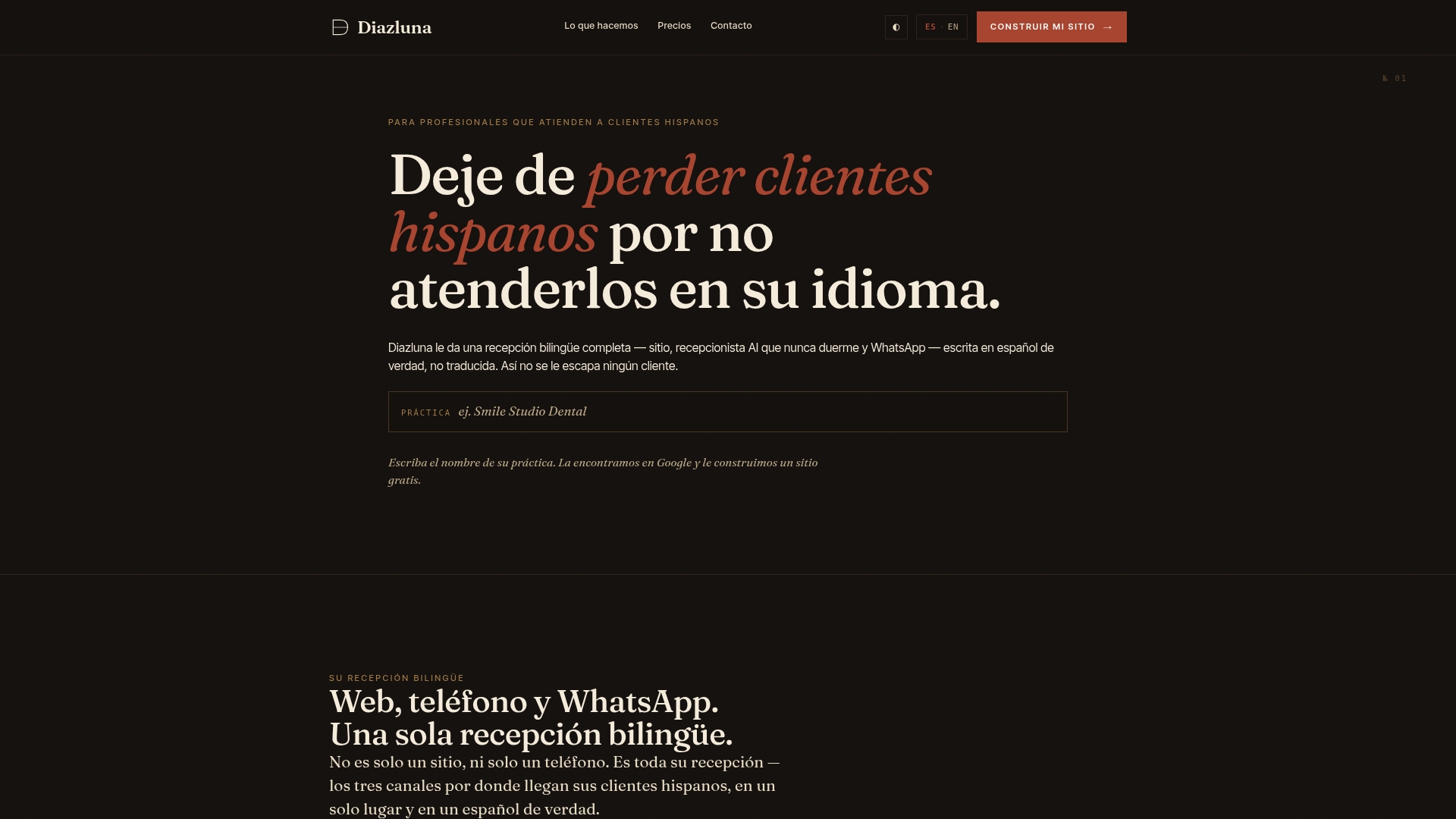
Diazluna provides a bilingual AI receptionist that handles calls, texts, and WhatsApp messages in both English and Spanish, 24 hours a day. The system integrates with your existing scheduling workflow, collects patient intake data before the call ends, and sends confirmations automatically. Every setup includes HIPAA-compliant data handling and a signed BAA. Practices using Diazluna report a significant drop in lost patient contacts within the first month. If your front desk is losing Spanish-speaking patients to unanswered calls, see how it works for dental offices and request a demo.
FAQ
What is an AI receptionist for a dental practice?
An AI receptionist for a dental practice is a conversational AI system that answers calls, books appointments, collects patient intake data, and sends confirmations automatically, without requiring human staff to be present.
Is an AI dental receptionist HIPAA compliant?
HIPAA compliance requires the vendor to sign a Business Associate Agreement and encrypt all patient data in transit and at rest. Always request a signed BAA before deploying any AI receptionist in a clinical setting.
How much does a dental AI receptionist cost?
AI receptionist pricing typically ranges from $200–$600 per location monthly, compared to $3,000–$4,000 monthly for a full-time human receptionist, making the cost difference substantial for most practices.
Can an AI receptionist handle Spanish-speaking patients?
Bilingual AI receptionists handle calls in both English and Spanish, including WhatsApp communication. Diazluna specializes in this for dental practices serving Hispanic patients, ensuring no caller is lost to a language barrier.
Will an AI receptionist give patients medical advice?
No. A properly configured AI receptionist collects symptom descriptions for triage purposes only and never offers a clinical diagnosis or treatment recommendation. All clinical decisions remain with licensed dental providers.