July 3, 2026
How an AI Medical Receptionist Works for Clinics

An AI medical receptionist is a voice-driven software agent that connects to a clinic’s electronic health record (EHR) or practice management system (PMS) via API to handle patient calls and administrative tasks autonomously. Understanding how this technology works matters because it directly affects patient access, front desk workload, and practice revenue. The industry term for these systems is “conversational voice AI,” though most practitioners simply call them automated medical receptionists. This article explains the technical process, key safety protocols, and practical setup steps so you can evaluate whether the technology fits your clinic.
How does an AI medical receptionist work with EHR systems?
The core of how an AI medical receptionist works is a two-way API connection to your EHR or PMS. The AI reads available appointment slots in real time, books or reschedules them, and writes updates back to the patient record without any human involvement. This is not a simple voicemail system. It is a live, bidirectional data exchange.

EHR platforms that support the HL7 FHIR standard, such as Epic and Athenahealth, are well-suited for this type of integration. FHIR defines a common data format so the AI agent can query schedules, pull patient demographics, and push appointment confirmations in a structured way. The result is that a patient calling at 11:00 PM on a Sunday gets the same accurate scheduling experience as one calling at 9:00 AM on a Monday.
Key integration capabilities include:
- Real-time slot availability: The AI queries the PMS live, so it never double-books.
- Appointment creation and modification: Bookings and reschedules write directly to the EHR without staff intervention.
- Patient record updates: Structured notes write back to the EHR within 2 seconds, capturing appointment type, payer information, and patient preferences.
- Concurrent call handling: Unlike a human receptionist, the AI handles unlimited simultaneous calls with no hold times.
- Low latency response: Response latency runs 600–2,000 milliseconds, which keeps conversations natural and avoids awkward pauses.
That latency range is the difference between a caller feeling heard and a caller hanging up. Sub-second responses are the benchmark top-performing systems aim for.
What is the typical call workflow from patient call to booking?
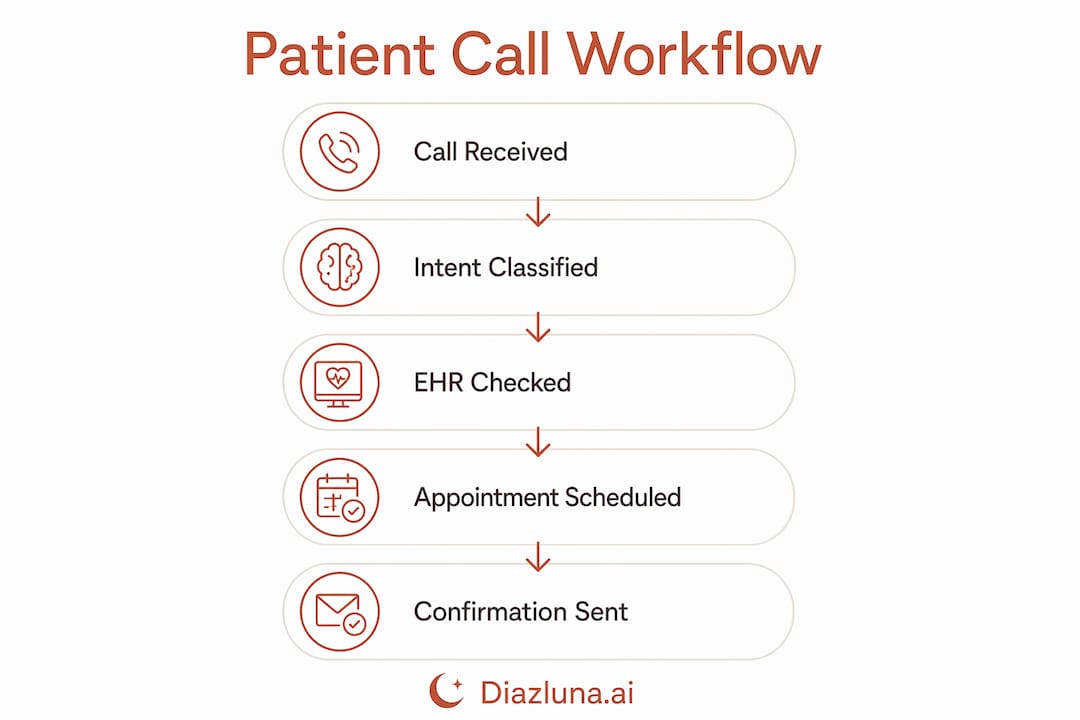
A standard inbound call follows a defined sequence. Each step is automated, but the system is built to hand off to a human the moment the situation requires it.
- Call answer and greeting. The AI picks up within one ring and greets the patient by name if the caller ID matches a record in the PMS.
- Speech-to-text conversion. The patient’s spoken words convert to text using automatic speech recognition (ASR). This happens in real time, not after the call ends.
- Intent classification. A natural language processing (NLP) model reads the transcribed text and classifies the call type: new appointment, reschedule, prescription refill inquiry, billing question, or emergency.
- Task execution. For scheduling requests, the AI checks availability, confirms the slot with the patient, and books it directly in the EHR.
- Emergency detection and escalation. If the patient uses keywords like “chest pain,” “can’t breathe,” or “knocked-out tooth,” the system triggers an immediate warm transfer to on-call staff or routes the caller to 911. Emergency keywords cause warm transfers rather than routine appointment bookings.
- Record update. The AI writes a structured note to the patient record, logging the call outcome, appointment details, and any flags.
- Confirmation. The patient receives a confirmation via SMS or the clinic’s preferred channel before the call ends.
This workflow applies equally to how an AI dental receptionist works. The intent categories shift slightly (tooth pain, cleaning, orthodontic inquiry), but the underlying ASR, NLP, and EHR write-back process is identical.
Pro Tip: Build a test call script covering your five most common call types before going live. Run each scenario yourself to confirm the AI routes and books correctly before patients experience it.
What safety protocols does an AI medical receptionist follow?
Patient safety is the non-negotiable constraint that shapes every design decision in a well-built automated medical receptionist. The AI must stay strictly within administrative tasks and never attempt clinical decision-making.
The most critical protocols include:
- Emergency triage guardrails. The system monitors every call for distress keywords. When detected, it stops the scheduling workflow and transfers the call immediately. Customized emergency triage protocols programmed during onboarding are what separate safe deployments from risky ones.
- Scope limitation. The AI answers scheduling and administrative questions only. It does not interpret symptoms, recommend treatments, or advise on medications. Clinical decision-making remains strictly human-controlled to maintain compliance and patient safety.
- HIPAA and BAA compliance. Call audio, transcripts, and audit logs are encrypted, and the data is never used to train third-party models. Payment card numbers and Social Security Numbers are never stored.
- Escalation messaging. When a call transfers to an on-call provider, the AI sends a structured message with the patient’s name, callback number, and reason for escalation so the provider has context before calling back.
- Audit trail. Every call generates a timestamped log. This protects the practice in the event of a complaint or compliance review.
“The defining line between a safe AI receptionist and a liability is whether the system knows exactly what it is not allowed to do. Guardrails are not optional features. They are the product.”
That principle holds whether you are running a general medicine clinic, a dental practice, or a specialty group. The scope of automation must be defined before the system goes live, not after a problem occurs.
How do you set up an AI receptionist for your clinic?
Setup for an AI receptionist for clinics is faster than most office managers expect. Most practices reach full operational status on the same day they start configuration. Setup typically completes within one hour, and many platforms offer a free trial with no setup fee.
The standard configuration process covers:
- Phone number forwarding. Your existing clinic number forwards to the AI system. Patients dial the same number they always have.
- EHR/API linking. The platform connects to your PMS using your credentials and API keys. The connection is read/write so the AI can both check and update schedules.
- Call flow definition. You map out which call types the AI handles autonomously and which it escalates. This is where you define your practice-specific terminology, common procedures, and provider names.
- Glossary and escalation rules. Defining a glossary of practice-specific terms and clear escalation triggers is the key difference between a smooth deployment and one that frustrates patients.
- Testing. You run test calls across every scenario before going live.
The role of AI in patient scheduling only delivers its full value when the call flows match how your practice actually operates. A generic configuration produces generic results.
Pro Tip: Involve your front desk staff in building the call flow. They know the edge cases, the frequent caller quirks, and the questions that trip up new hires. Their input makes the AI configuration significantly more accurate.
What are the operational and financial benefits for medical practices?
The financial case for an AI medical receptionist is straightforward. AI systems cost $100–$1,000+ per month compared to a human receptionist salary of $42,000–$55,000 annually. That cost difference funds the technology many times over, even before accounting for after-hours coverage.
The operational benefits are equally concrete. Automating routine calls reduces missed calls by roughly 20–30%, and each captured call is a potential appointment that would otherwise go to a competitor. Patients who reach voicemail frequently call the next clinic on their list. The AI eliminates that scenario entirely.
| Benefit | Impact |
|---|---|
| 24/7 availability | Captures calls outside office hours with no additional staffing cost |
| Concurrent call handling | No hold times, no busy signals, unlimited simultaneous calls |
| Missed call reduction | Roughly 20–30% fewer missed calls translates to more booked appointments |
| Cost vs. human receptionist | Monthly AI cost is a fraction of a full-time receptionist salary |
| Front desk workload | Staff redirect time from routine calls to complex patient interactions |
| Record accuracy | Structured EHR notes written within 2 seconds reduce manual data entry errors |
Front desk staff benefit directly. When the AI handles appointment scheduling, confirmations, and basic inquiries, your team focuses on patients who are physically present and on cases that require human judgment. That shift improves both staff satisfaction and the quality of in-person patient interactions.
Key Takeaways
An AI medical receptionist works by connecting to your EHR via API, classifying patient call intent with NLP, executing scheduling tasks automatically, and escalating emergencies to human staff in real time.
| Point | Details |
|---|---|
| API integration is the foundation | The AI reads and writes to your EHR live, enabling accurate scheduling without staff involvement. |
| Safety guardrails are non-negotiable | Emergency keyword detection and strict scope limits keep the AI within administrative tasks only. |
| Setup is faster than expected | Most clinics go live the same day, often with no setup fee and a free trial period. |
| Financial ROI is clear | Monthly AI costs are a fraction of a full-time receptionist salary, with 24/7 coverage included. |
| Customization drives performance | Practice-specific terminology and escalation rules determine whether the deployment succeeds. |
Why I think most clinics underestimate the configuration step
Most conversations about AI receptionists focus on cost savings and 24/7 availability. Those benefits are real. But the factor that separates a deployment that works from one that creates patient complaints is the configuration phase, and almost no one talks about it enough.
I have seen clinics go live with a generic call flow because the setup looked simple. The AI answered calls, but it misrouted patients asking about a specific provider or fumbled a question about a procedure name it had never been trained to recognize. The technology was fine. The configuration was not.
AI works best as a force multiplier for your existing front desk, not as a replacement for the institutional knowledge your staff carries. That knowledge needs to be transferred into the system before it goes live. Build the glossary. Define the escalation rules. Run the test calls. The hour you spend on configuration saves dozens of hours of patient confusion later.
The missed-call gap is the other thing practitioners underestimate. A patient who calls after hours and reaches voicemail is not a patient on hold. That patient is already searching for another provider. The AI closes that gap permanently, and the revenue impact compounds over months. That is the benefit worth leading with when you make the case internally.
— Francisco
Diazluna’s bilingual AI front desk for your practice
Medical practices serving Hispanic patients face a compounded version of the missed-call problem. A patient who calls and cannot communicate in Spanish does not leave a voicemail. They find a provider who speaks their language.
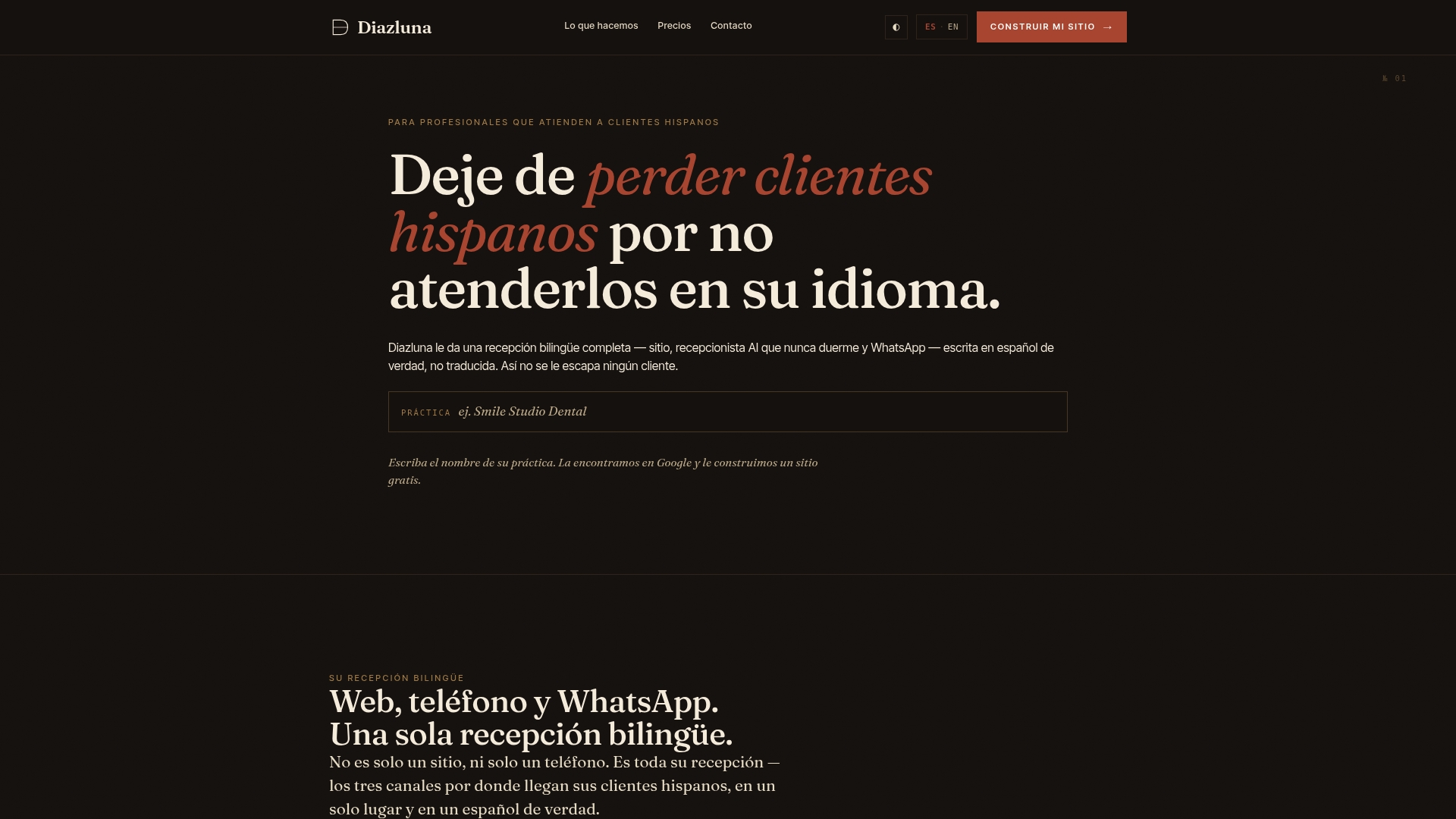
Diazluna solves this with a bilingual AI front desk that handles patient calls in both English and Spanish, 24 hours a day. The system combines a fully optimized bilingual website, a 24/7 AI receptionist, and WhatsApp integration into one service. Dental practices can explore the AI receptionist for dentists page to see how the solution maps to their specific call types and patient workflows. Setup is fast, the cost is a fraction of traditional staffing, and no Hispanic patient gets lost due to a language barrier.
FAQ
What does an AI medical receptionist actually do?
An AI medical receptionist answers inbound patient calls, schedules and reschedules appointments via EHR integration, takes messages, and escalates emergencies to human staff. It handles routine administrative tasks autonomously, 24 hours a day.
Is an AI medical receptionist HIPAA compliant?
Yes, properly built systems use encrypted call audio, transcripts, and audit logs, and operate under a Business Associate Agreement (BAA). Patient data is never used to train third-party models.
How long does it take to set up an AI receptionist for a clinic?
Most clinics complete setup within one hour, covering phone forwarding, EHR API linking, call flow definition, and testing. Many platforms offer a free trial with no setup fee.
How does an AI dental receptionist differ from a general medical one?
The underlying technology is identical. The difference is in the configured call intents and terminology, such as tooth pain triage, cleaning reminders, and orthodontic inquiries, which are mapped during the setup phase.
What happens when a patient calls about an emergency?
The AI detects emergency keywords in real time and immediately transfers the call to on-call staff or routes the patient to 911. It does not book emergency situations as routine appointments.