September 17, 2026
Stop Losing Spanish Callers
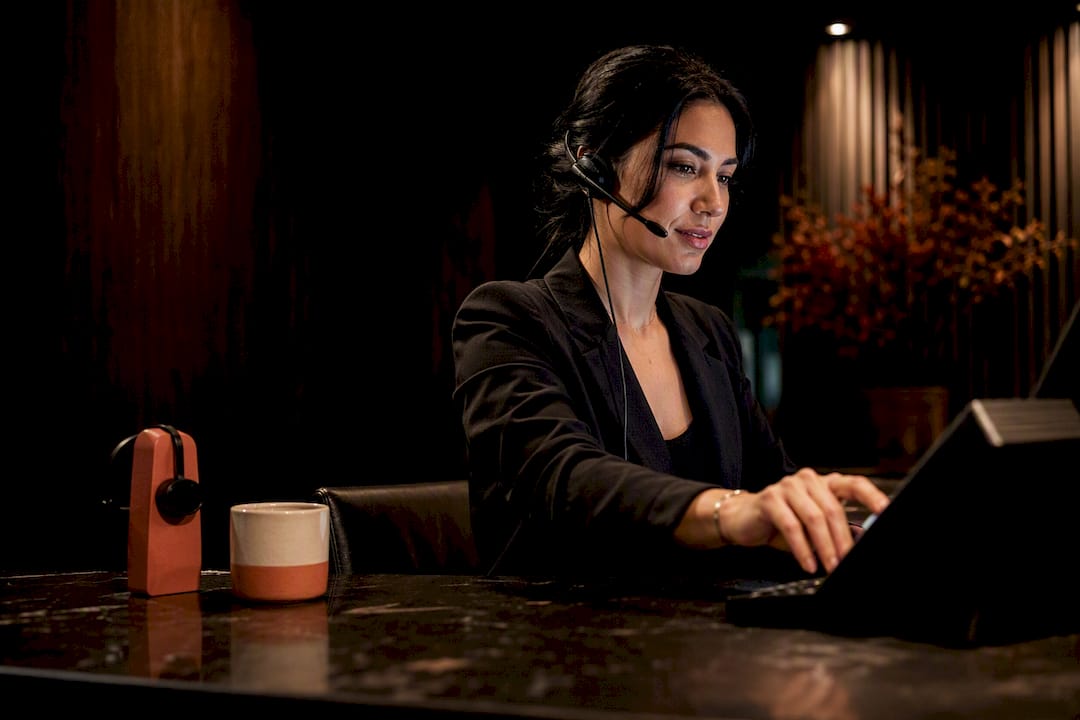
Every bilingual phone system should open with a language gatekeeper: “Press 1 for English, presione 2 para español,” routed instantly to language-specific menus and, when the queue runs dry, a Spanish-capable agent or voicemail. This single design choice cuts abandoned calls, speeds up routing accuracy, and meets basic accessibility expectations for Spanish-speaking callers. A managed option like Diazluna can handle this routing along with the follow-up conversation, but the pattern itself works regardless of which platform runs it.
TL;DR:
- The primary language gatekeeper pattern, asking callers to press 1 for English or 2 for Spanish upfront, effectively reduces abandoned calls and improves routing accuracy.
- Alternatives like auto-detect language or dual-language announcements are less reliable or become tedious as menu complexity increases, making the gatekeeper pattern generally preferable.
- Callers should be routed to a Spanish-capable agent, voicemail, or a bilingual AI assistant after the menu to prevent hang-ups, especially if no live agent is available beyond business hours.
- Implementing a bilingual IVR requires configuring clear scripts, limiting menu depth to three or four options, and monitoring abandonment and routing accuracy to identify issues early.
- Combining recorded voice with TTS for variable content, along with a managed bilingual front desk, improves engagement and service continuity for Spanish-speaking patients.
Table of Contents
- What Are the Best Language-Selection Patterns for a Spanish IVR Menu?
- Copy-Ready Spanish IVR Scripts You Can Use Today
- Should You Use Recorded Voice or Text-to-Speech?
- How Do You Keep Callers From Getting Stuck in the Menu?
- Implementation Checklist for Launching a Spanish IVR
- Why an IVR Alone Isn’t the Whole Answer
- How Diazluna Extends Your Spanish IVR Into a Full Bilingual Front Desk
- Sources
- FAQ
What Are the Best Language-Selection Patterns for a Spanish IVR Menu?
The language gatekeeper is the pattern most decision-makers should default to: an immediate, unambiguous choice (“Press 1 for English, presione 2 para español”) before any other menu logic runs. It works because it removes guesswork. The caller self-identifies in the first three seconds, and everything downstream, from queue routing to hold music to reporting, inherits that decision. Best-practice guidance from New Jersey’s IVR playbook points to exactly this structure: language choice up front, then short and specific menu options.
It’s not the only option, though. A few alternatives fit narrower use cases:
- Auto-detect language: Speech recognition guesses the caller’s language from their first utterance. It sounds sleek, but accuracy drops with accented English or code-switching, and a wrong guess frustrates callers more than a one-second keypress would.
- Dual-language announcement: The system reads the entire main menu twice, once in each language, without asking the caller to choose. This works for very short menus (two or three options) but gets tedious fast once you add a third or fourth branch.
- Single-language flows with a separate phone number: Some practices simply publish a distinct number for Spanish-speaking callers. It avoids IVR complexity entirely but only works if your marketing consistently drives the right callers to the right number.
The government’s ‘Diga o marque 2’ rollout shows the gatekeeper pattern scales even for public agencies handling huge call volumes, which is a strong signal for any practice weighing build complexity against caller experience.
Operationally, the language choice should tag the call for analytics, staffing dashboards, and queue mapping from that first keypress. If your reporting can’t segment by language selected, you’re flying blind on where Spanish callers actually drop off.

Copy-Ready Spanish IVR Scripts You Can Use Today
Below are templates built for the language-gatekeeper pattern. Adjust bracketed placeholders to match your practice, and hand the whole block to a voice talent or your TTS platform without rewriting its structure.
Opening greeting (single-line): “Gracias por Lamar a [Practice Name]. Presione 2 para continuar en español.”
Opening greeting (two-line, more formal):
“Bienvenido a [Practice Name]. Para continuar en inglés, oprima 1. Para continuar en español, oprima 2.”
Primary Spanish menu (3 options):
- “Para hacer una cita, oprima 1.”
- “Para hablar con facturación, oprima 2.”
- “Para hablar con un representante, oprima 3.”
Secondary menu example (appointments): “Para una cita nueva, oprima 1. Para cancelar o reprogramar una cita existente, oprima 2.”
Invalid entry script: “No reconocemos esa opción. Por favor intente de nuevo.”
Timeout script: “No hemos recibido una respuesta. Le transferiremos con un representante.”
Transfer to Spanish-capable agent: “Un momento por favor, le comunicamos con alguien que le puede ayudar en español.”
For text-to-speech deployments, add SSML pause tags after each numbered option so the cadence doesn’t rush bilingual listeners, and slow the speaking rate slightly (around 90% of default) for any Spanish TTS voice, since most default rates are tuned for English syllable timing.
Pro Tip: When you hand scripts to a voice talent, mark phonetic hints for names, addresses, and clinical terms that vary regionally, “cita” versus “cita médica” is a common example, so the recording sounds native rather than translated. Bilingual phrase resources like Linguee’s IVR translation entries are useful for cross-checking that your phrasing matches how Spanish speakers actually talk, not textbook Spanish.
Should You Use Recorded Voice or Text-to-Speech?
Recorded voice talent wins on trust and warmth. A real human voice, recorded well, signals that a practice invested in the Spanish-speaking experience rather than bolting it on. The tradeoff is cost and turnaround: every script change means a new studio session or a patched-in voice actor.
Text-to-speech wins on speed and flexibility. Modern Spanish TTS voices update instantly, so dynamic content like wait times, holiday hours, or promotional messages can change without touching a recording booth.
- Recorded voice: best for core greetings, main menu options, and anything a caller hears on every single call.
- TTS: best for variable content, estimated wait time, today’s hours, queue position, that shifts daily or hourly.
- Hybrid approach: record the permanent structure (greeting, menu options, transfer scripts) and let TTS handle anything time-sensitive. This is the setup most practices land on once they’ve tested both.
Before launch, run a quality-control pass: listen to every recorded prompt for correct dialect and pacing, and test every TTS string for mispronounced names, addresses, or medical terms specific to your practice.
How Do You Keep Callers From Getting Stuck in the Menu?
Shallow menus win. Cap each level at three or four options, because every additional choice adds cognitive load and increases the odds a caller hangs up before finishing. Usability guidance is blunt about this: deep menu trees and vague prompts are what create the “infinite loop” experience callers hate most, pressing zero repeatedly, getting looped back to the same menu, and eventually abandoning the call entirely.
A few rules keep that from happening:
- Never let a caller reach a dead end. Every branch needs an exit to a Spanish-capable agent, voicemail, or a WhatsApp callback option.
- Write invalid-entry and timeout scripts that offer a next step immediately, not just a repeated menu readout.
- Limit retries. After two failed attempts, route straight to a human rather than looping a third time.
- Track abandoned-call rate segmented by language selected. If Spanish callers abandon at a noticeably higher rate than English callers, that’s your signal the menu itself is the problem, not caller patience.
The abandonment signal to watch: when Spanish-language routing accuracy lags English routing accuracy on the same platform, the gap usually traces back to menu depth or unclear phrasing, not caller impatience. Fixing the script almost always moves the number faster than adding more menu options ever will.
Implementation Checklist for Launching a Spanish IVR
Getting a Spanish IVR live is mostly a configuration exercise, not custom development, especially on modern contact-center platforms. Vendor documentation from Dialpad and Google’s CCAI platform both expose language selection messages, queue-level overrides, and TTS/SSML fields as standard admin settings.
- Pre-launch: Pick your language-selection pattern, finalize scripts, choose recorded voice or TTS, and confirm which agents or queues handle Spanish calls.
- Platform configuration: Upload recordings or enter TTS text for the language selection message, map each menu option to the correct queue, and set timeout and retry limits.
- Testing: Dial every branch manually, test speech recognition against common Hispanic surnames and address formats, check mobile call quality, and try edge cases like silence or background noise.
- Post-launch monitoring: Review abandoned-call rate and routing accuracy weekly for the first month, then shift to monthly once the numbers stabilize.
| Configuration item | Where it lives | What to check |
|---|---|---|
| Language selection message | IVR/queue settings | Correct audio or TTS text, plays before menu logic |
| Queue language mapping | Routing settings | Each Spanish option lands on a Spanish-capable queue |
| Timeout and retry limits | IVR flow settings | Caller reaches a human after two failed attempts |
| ASR/TTS voice settings | Platform voice settings | Spanish voice model selected, speaking rate adjusted |
Why an IVR Alone Isn’t the Whole Answer
A Spanish IVR menu solves the first sixty seconds of a call. What happens after that call ends, a missed call at 9 p.m., a follow-up question, a request to reschedule, is where most practices actually lose Hispanic clients. That’s the gap a managed bilingual front desk is built to close: the IVR hands off to a 24/7 Spanish-fluent AI receptionist, which can then continue the conversation over WhatsApp instead of letting the caller vanish into voicemail.
Diazluna’s own tracking work on Spanish caller engagement illustrates the pattern: practices that pair phone routing with continuous bilingual follow-up see fewer calls fall through the cracks than those relying on IVR alone. If your practice already has reliable in-house bilingual staff covering business hours, an IVR upgrade alone may be enough. If coverage gaps exist nights, weekends, overflow, a managed layer behind the IVR is worth evaluating.
— Francisco
How Diazluna Extends Your Spanish IVR Into a Full Bilingual Front Desk
Diazluna is the alternative to hiring, training, and scheduling bilingual staff around the clock: one platform combines a bilingual website, a 24/7 AI receptionist fluent in Spanish and English, and WhatsApp follow-up, so a Spanish caller who hits your IVR after hours still gets a real response instead of a dead-end voicemail.
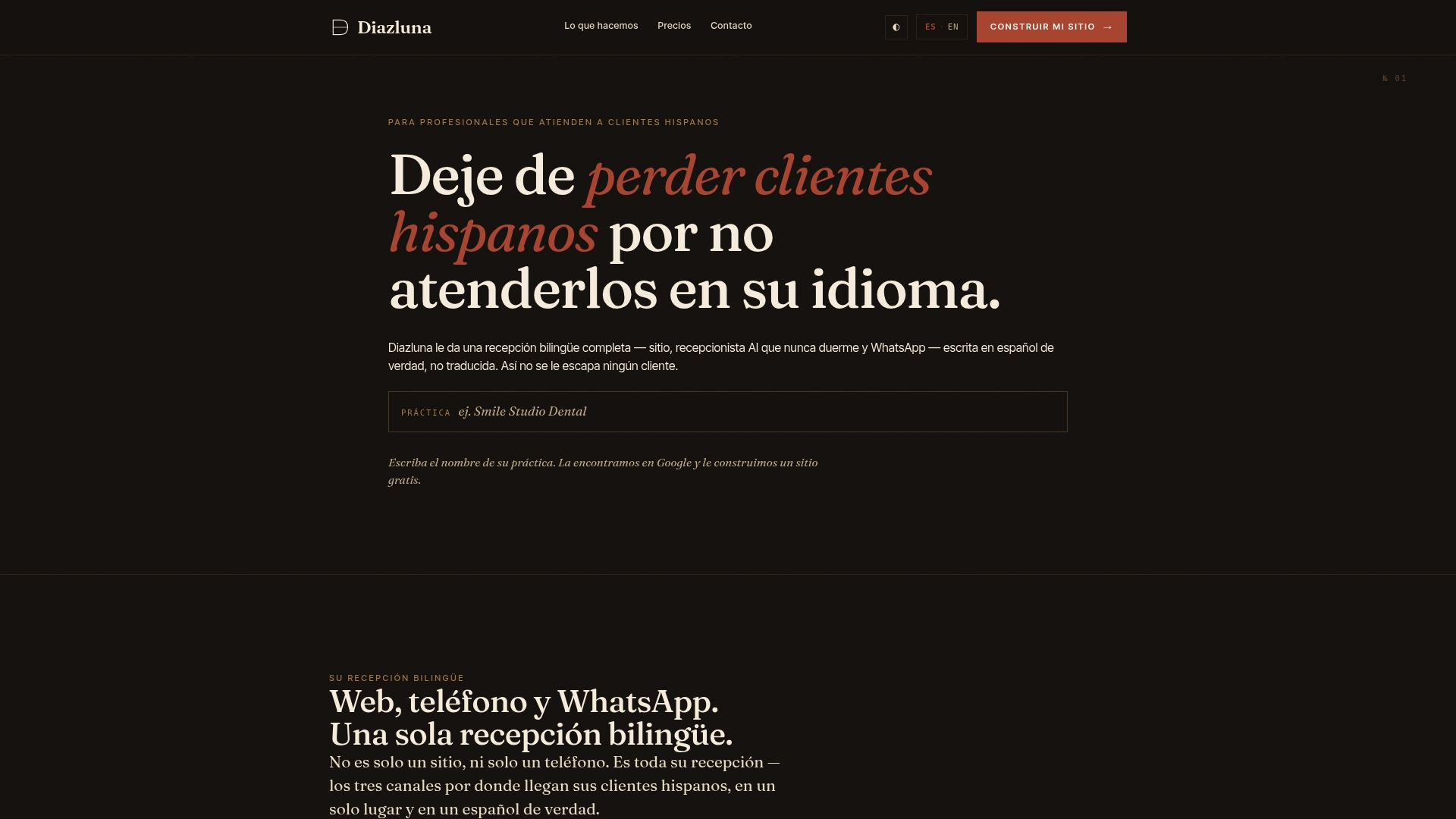
The three pieces map directly onto the gaps this guide covers. The bilingual website gives Spanish-speaking clients a native-language landing point instead of a translated afterthought. The AI receptionist picks up exactly where your IVR routing leaves off, handling scheduling and urgent-case transfers in authentic Spanish, not a stilted machine translation. WhatsApp integration keeps the conversation going after the call ends, which is where most practices actually lose Hispanic clients today.
Before a consultation, have your current call volume, peak hours, and a rough sense of how many calls go to voicemail after hours ready to share. Diazluna’s plans range from Solo Sitio at $99 per month up through Sitio + María Pro at $349 per month, with a one-time $399 activation fee, so you can match the tier to how much of the front desk you want managed. Check current plan details and book a walkthrough on the Diazluna site.
Sources
- IVR best practices — New Jersey Innovation/skills
- Dialpad — IVR and voicemail language
- USAGov blog — ‘Diga o marque 2’ (USAGov en Español)
FAQ
What is IVR in Spanish?
IVR stands for Interactive Voice Response, called Respuesta de Voz Interactiva in Spanish. It’s the system that uses recorded audio or text-to-speech to let callers navigate phone menus by pressing keys or speaking, as TechTerms’ Spanish-language definition explains.
How many menu options should a Spanish IVR menu have?
Keep each menu level to three or four options at most. Deeper menus increase abandonment and create the “infinite loop” frustration that usability guidance specifically warns against.
Should I use recorded voice or text-to-speech for Spanish prompts?
Use recorded voice for permanent content like greetings and core menu options, and reserve text-to-speech for dynamic information like wait times or hours that change frequently. A hybrid setup covers both needs without the cost of re-recording every update.
What happens if a Spanish IVR can’t route a caller to a live agent?
The menu should fall back to voicemail or a WhatsApp message option rather than disconnecting the call. Diazluna’s AI receptionist is built specifically to catch these overflow moments and continue the conversation in Spanish after hours.
How much does a managed bilingual phone solution like Diazluna cost?
Diazluna’s plans start at $99 per month for Solo Sitio and scale up to $349 per month for Sitio + María Pro, with a one-time $399 activation fee. Full plan details are available on the Diazluna pricing page.