September 27, 2026
Copy Ready Spanish WhatsApp Auto Replies for Bilingual
Yes, WhatsApp supports automatic replies in Spanish: use the Business app for simple greetings and away messages, and the Business Platform (API) with approved templates for compliant, higher-volume automation. Most small practices start with the free app, then move to the API once volume or multi-agent needs grow. Diazluna builds bilingual flows that handle templates and Spanish phrasing for practices that want this done for them.
TL;DR:
- The WhatsApp Business app allows setting up greeting and away messages in Spanish, but it is limited to single-device use and lacks routing, CRM, or logic features.
- Moving to the Business Platform API enables automated, template-based outreach for high-volume or multi-agent needs while maintaining compliance and approval processes.
- Approved templates for Spanish are short, actionable, and regionally adapted, with variations for first contact, out-of-hours, and appointment confirmation, requiring initial Meta approval.
- Brand-specific, bilingual tone consistency is crucial, with formal language for legal/medical clients and casual for retail, supported by bilingual review before templates are submitted.
- Diazluna offers a managed bilingual front desk solution, handling templates, automation, and website integration for practices targeting Spanish-speaking clients at predictable monthly fees.
Table of Contents
- Setting up greeting and away messages in the WhatsApp Business app
- Moving to the WhatsApp Business Platform for template-based automation
- Copy-ready Spanish templates and quick replies
- Official limits and compliance rules that affect auto replies
- Writing Spanish auto replies that sound authentic
- Diazluna use cases: bilingual WhatsApp automation in practice
- Quick diagnostic checklist when auto replies fail
- Choosing between the app and the platform for bilingual practices
- Diazluna: a managed bilingual front desk for Spanish-speaking clients
- Sources
- FAQ
Setting up greeting and away messages in the WhatsApp Business app
The WhatsApp Business app gives you two built-in tools: greeting messages and away messages. Both live under the same menu path, and both take a few minutes to configure.
- Open the app and go to Settings → Business tools.
- Tap Greeting message, toggle it on, and write your Spanish text.
- Tap Away message, toggle it on, and choose your wording for outside business hours.
- Under each tool, set the schedule (always sent, custom hours, or outside business hours only).
- Choose recipients: everyone, everyone except certain contacts, or only specific contacts.
A few notes depending on your device:
- On Android, scheduling and recipient options appear as separate screens inside each message tool.
- On iOS, the same settings appear under one expandable menu inside Business tools.
- Greeting messages trigger only on a customer’s first message or after 14 days of inactivity, so returning customers within that window will not see a fresh greeting.
The app works well for a single device and a single agent, but it has no menu logic, no CRM sync, and no way to route conversations to a team. For that, you need the API.
Moving to the WhatsApp Business Platform for template-based automation
The Business app handles greetings and away messages fine, but it cannot send business-initiated messages once a conversation goes cold. That is where the Business Platform’s template and session rules come in. Free-form text only works within a 24-hour session after the customer’s last message. Once that window closes, or when your business sends the first message, you need an approved template.
Templates are created and submitted through Meta Business Manager or through a Business Solution Provider (BSP), and most follow a short, variable-driven structure such as a greeting, a placeholder for a name, and a placeholder for a time or date.
- Templates need Meta approval before they can send, so build a small library early: first contact, out-of-hours, appointment confirmation, and a triage menu.
- A BSP or provider matters once you have multiple agents, want CRM integration, or need reliable template delivery at scale.
- Unauthorized bulk sending outside the API risks account restrictions, so high-volume automation belongs on the official platform, not the consumer app.
Move from app to API when your team grows past one agent, when you need appointment or intake flows, or when you need messages synced into a scheduling or patient record system.
Copy-ready Spanish templates and quick replies
Here are templates built for approval and everyday use. Adjust the variables to match your practice.
- First contact template: “Hola {{1}}, hemos recibido tu mensaje. Te responderemos en {{2}} horas.”
- Out-of-hours template: “Hola {{1}}, ahora estamos fuera de horario. Responderemos mañana a las 9:00. Para urgencias escribe AGENTE.”
- Appointment confirmation: “Hola {{1}}, tu cita está confirmada para el {{2}} a las {{3}}. Responde CONFIRMAR o CANCELAR.”
- Appointment reminder: “Recordatorio: tu cita es el {{2}} a las {{3}}. Si necesitas cambiarla, escríbenos aquí.”
For quick replies used inside live conversations, a short bank of natural Spanish phrases keeps things fast without sounding robotic:
- Vale or perfecto to confirm something, common in Spain and widely understood elsewhere.
- Dale as a casual confirmation, common in parts of Latin America.
- En camino when a form, document, or callback is on the way.
- Gracias, hablamos pronto to close a thread warmly.
Reminder templates and confirmations pair well with a dedicated appointment reminder setup, and a ready-made set of approval-friendly templates can save the submission back-and-forth.
Pro Tip: Have a bilingual reviewer read every template out loud before you submit it. Awkward phrasing that looks fine on paper often sounds off once spoken.
Official limits and compliance rules that affect auto replies
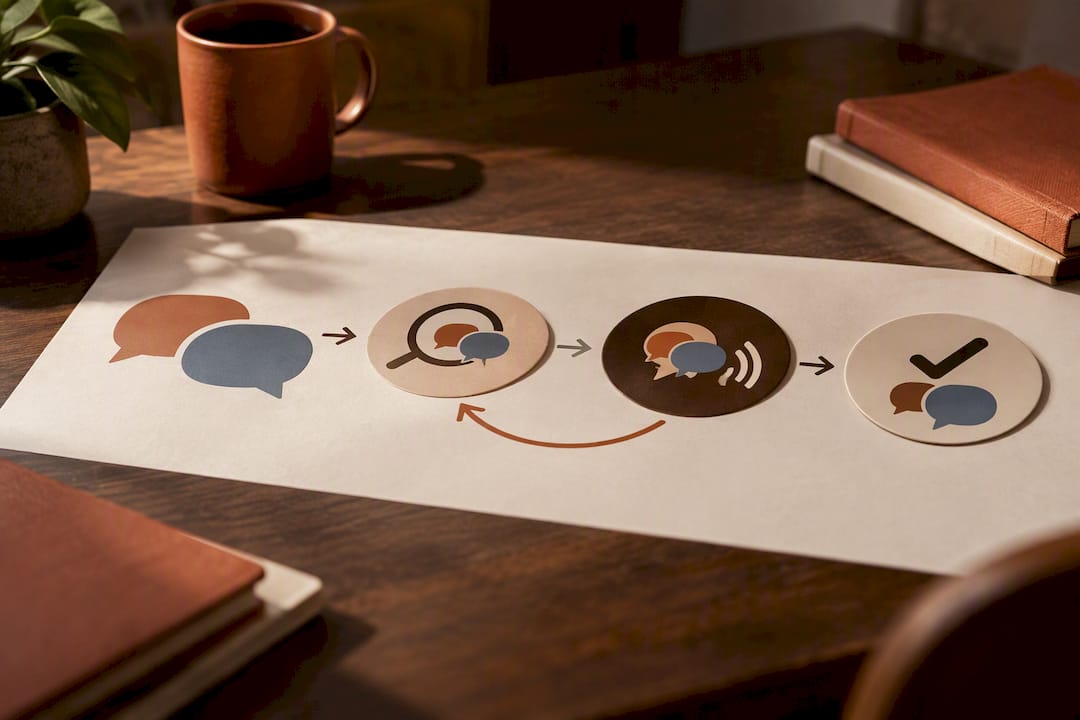
The rules are simple once you see the pattern: free-form replies work inside a 24-hour session, and anything outside that window needs an approved template, according to WhatsApp’s business messaging policy. Templates exist to protect your account from being flagged as spam.
Greeting messages trigger only on a customer’s first message or after 14 days of inactivity, per WhatsApp’s Help Center, so a customer messaging you again on day 10 will not see a new greeting.
- Never route around templates with unauthorized bulk tools. Use the official API or a BSP for volume.
- Keep support templates free of marketing language unless the customer has opted in.
- Keep templates short, specific, and actionable rather than generic.
- Expect a review period after submitting a template, and plan your launch date around it.
Writing Spanish auto replies that sound authentic
Register matters more than most businesses expect. A medical or legal practice needs a formal tone with usted, while a general service business can use a neutral, friendly register, and retail can go casual.
- Use usted and full sentences for health and legal contexts, and tú for casual retail or younger audiences.
- Match regional expectations: vale reads naturally in Spain, dale in much of Latin America, and both are understood broadly.
- Keep placeholder sentences short so gender agreement does not break when a name or word is inserted.
- Avoid stacking emoji or exclamation points in professional templates, since they can undercut a formal tone.
- Pilot new templates with bilingual staff or a small group of real contacts before rolling them out fully.
Diazluna use cases: bilingual WhatsApp automation in practice
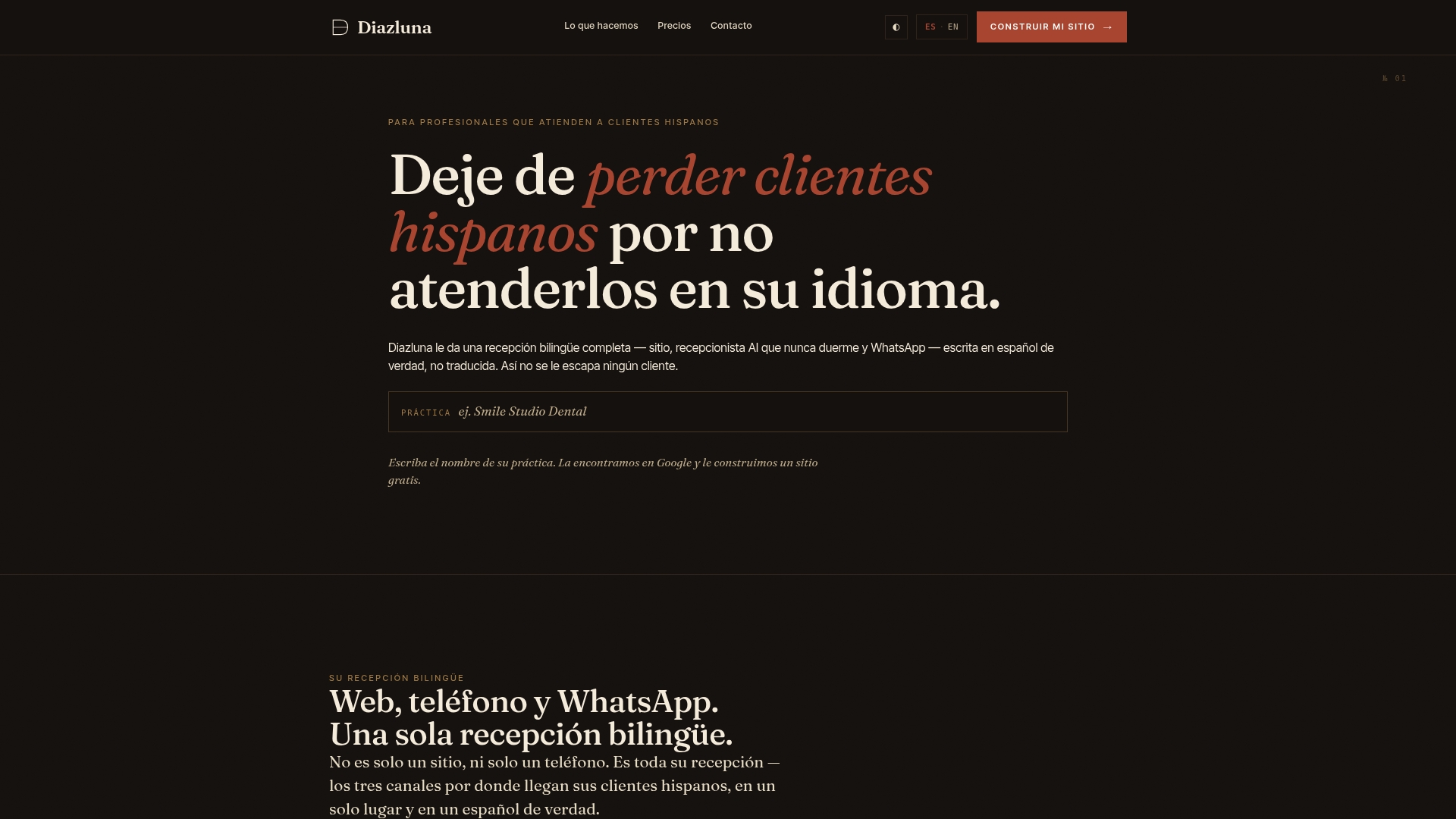
Diazluna builds a bilingual digital front desk for dental, legal, and healthcare practices: a bilingual website, a 24/7 AI receptionist, and WhatsApp integration working together instead of as separate tools.
- Its appointment booking guide walks through getting a bilingual booking flow live quickly.
- Its consent messaging guide shows how practices handle opt-in language before automating outreach.
- Practices can adapt these same flows for their own appointment and consent needs without starting from scratch.
A bilingual front desk that never drops a Spanish-speaking client to voicemail or a mistranslated bot reply is the standard Hispanic-serving practices are moving toward.
Quick diagnostic checklist when auto replies fail
- Confirm the device running the Business app has an active internet connection.
- Check your recipient filters and schedule; a narrow filter can silently block delivery.
- Verify no live agent has manually disabled the greeting message, and remember it only resends after 14 days.
- Check template approval status in Meta Business Manager and reword rejected templates before resubmitting.
- Contact your BSP or Diazluna with screenshots and the template ID if the issue persists.
Choosing between the app and the platform for bilingual practices
For most small bilingual practices, the Business app covers greetings and away messages well enough to start. The moment you need menus, confirmations, or a second agent, the API earns its complexity. Authentic Spanish phrasing and a tested template set matter more than any automation feature, and staying inside WhatsApp’s rules keeps your account running without interruption.
— Francisco
Diazluna: a managed bilingual front desk for Spanish-speaking clients
Building and testing templates, tracking the 24-hour window, and keeping a bilingual tone consistent takes ongoing attention many practices do not have time for. Diazluna handles the bilingual website, the 24/7 receptionist, and the WhatsApp flow together, so no Hispanic client gets lost to a language gap or a missed message.
- Plans range from Solo Sitio at $99 per month for a bilingual site alone, up to Sitio + María Pro at $349 per month for full receptionist and WhatsApp coverage.
- A one-time $399 activation fee applies to get a practice fully set up.
If you would rather have a bilingual front desk running than build templates yourself, visit Diazluna to see which plan fits your practice.
Sources
WhatsApp’s own guidance on greeting messages, away messages, and template rules covers the setup basics. For dental-specific quick replies, see Diazluna’s dentist page, and for SMS-based alternatives in legal practices, see LawSmiths.
FAQ
Can I set up an automatic reply on WhatsApp?
Yes, the WhatsApp Business app lets you set up greeting and away messages for free under Business tools. For business-initiated messages outside a 24-hour session, you need an approved template through the Business Platform.
How to get WhatsApp to automatically translate Spanish to English?
WhatsApp does not offer native automatic translation inside chats, according to its Help Center. Written messages need a bilingual agent or an outside translation tool, though voice message transcripts are available in some languages.
Can I set up a WhatsApp automatic reply bot?
Yes, but a true bot with menu logic and conditional replies requires the Business Platform API and a provider or BSP, not the consumer app. The app only supports fixed greeting and away messages, without branching logic.
Do Spanish speakers use WhatsApp?
WhatsApp is a widely used messaging app among Spanish-speaking communities across many countries, which is why bilingual businesses often prioritize it for client communication. Businesses serving these communities typically pair WhatsApp with a bilingual website and phone support to avoid losing clients over language gaps.