July 28, 2026
AI Receptionist Role in Small Bilingual Practices

An AI receptionist is your 24/7 bilingual front desk — it answers calls, books appointments, handles Spanish and English intake, and routes urgent cases to a human before your staff even arrives in the morning. For small healthcare, dental, and law practices serving Hispanic clients, that means fewer missed calls, consistent records, and a first impression that actually matches the community you serve.
At a glance, a bilingual AI receptionist handles:
- Inbound calls and web chat in Spanish and English, around the clock
- Appointment booking, rescheduling, and outbound reminders
- Basic intake questions and FAQ responses across phone, website, and WhatsApp
- Intelligent routing: routine calls stay automated, sensitive or complex ones go straight to a human
Table of Contents
- What does an AI receptionist actually do for your practice?
- Why bilingual practices gain more from AI front-desk tools
- What an AI receptionist cannot do — and what can go wrong
- How to implement a bilingual AI receptionist step by step
- Which KPIs tell you if your AI receptionist is working?
- Questions to ask vendors and scripts to copy
- How Diazluna’s bilingual front desk performed for a dental practice
- Key Takeaways
- The hybrid model is the only model worth deploying
- Diazluna covers the bilingual front desk your practice needs
- Useful sources
What does an AI receptionist actually do for your practice?
The role of an AI receptionist in a small business goes well beyond answering the phone. According to Nextiva, these voice-based assistants use natural language processing to schedule appointments, capture missed calls, and sync everything to your CRM and calendar in real time. That last part matters more than most practices realize.
Core tasks a bilingual AI receptionist can handle from day one:
- 24/7 call answering with a natural-sounding bilingual greeting
- Appointment booking and rescheduling synced to your calendar
- New patient or client intake (name, reason for visit, insurance carrier, preferred language)
- Answers to common FAQs: hours, location, accepted insurance, fees
- Outbound appointment reminders via SMS or WhatsApp
- Routing urgent or sensitive calls to a live staff member with a transcript attached
Channel coverage looks like this in practice:
| Channel | Typical use case | Integration needed |
|---|---|---|
| Phone | Scheduling, triage, FAQs | Calendar, CRM |
| Website chat | Intake forms, FAQ, lead capture | CRM, practice management |
| Appointment reminders, follow-ups | WhatsApp Business API, CRM |
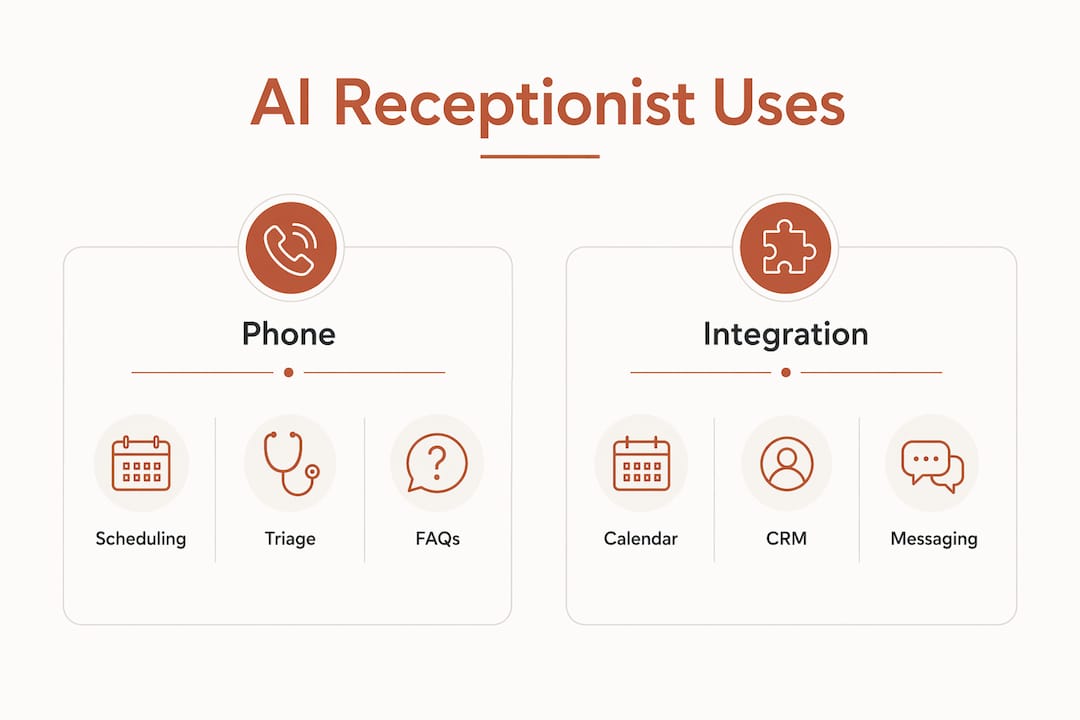
For bilingual practices, CRM and calendar integration is non-negotiable. Without it, a Spanish-language call and an English-language call from the same patient can create two separate records, fragmenting your data and your care.

Why bilingual practices gain more from AI front-desk tools
A general practice misses a call and loses a lead. A bilingual practice serving Hispanic clients misses a Spanish-language call and often loses that client permanently — because the next call they make will be to someone who answers in Spanish.
Voice and WhatsApp channels drive higher engagement and conversion for Hispanic clients than text-only chat bots, and WhatsApp is already the primary messaging channel for many Spanish-speaking households. An AI receptionist that covers all three channels — phone, web, WhatsApp — closes a gap that a traditional answering service never could.
Industry insight: Zendesk’s guidance on automated customer service highlights that AI agents handling repetitive tasks free human staff to focus on empathetic, high-value interactions — the exact work that builds long-term patient and client relationships.
Benefits specific to bilingual healthcare, dental, and law practices:
- No missed Spanish-language calls after hours or during lunch
- Consistent intake accuracy regardless of which language the client uses
- Staff time redirected from phone duty to clinical or legal work
- Culturally appropriate phrasing that reflects how your community actually communicates
- Unified CRM records across both languages, so nothing falls through the cracks
What an AI receptionist cannot do — and what can go wrong
Over-automation is the most common deployment mistake. Industry experts are clear: set strict rules for immediate human handoff when interactions become sensitive, complex, or emotionally charged. An AI that tries to handle a distressed patient describing symptoms, or a potential client describing a legal emergency, will damage trust faster than a missed call ever would.
Do not automate these interactions:
- Clinical triage or any symptom-based conversation (healthcare and dental)
- Initial conflict checks for legal intake
- Calls where the caller expresses distress, confusion, or urgency
- Billing disputes or insurance denials
- Any interaction requiring a licensed professional’s judgment
HIPAA and confidentiality considerations:
For healthcare and dental practices, any vendor handling protected health information must sign a Business Associate Agreement (BAA). Confirm the AI platform uses encrypted channels for call recordings and transcripts. For law practices, attorney-client confidentiality applies from the first contact — your AI script must not solicit privileged details before a conflict check is complete.
Pro Tip: Design escalation triggers around specific keywords and sentiment, not just request type. A caller who says “dolor fuerte” (severe pain) or “emergencia” should route to a human immediately, with the call transcript attached so staff can respond without asking the caller to repeat themselves. See HIPAA-aware Spanish intake workflows for a practical configuration guide.
How to implement a bilingual AI receptionist step by step
A clean rollout takes a few days for basic configuration, but full optimization runs on a multi-month cycle.
Implementation checklist:
- Map your call volume. Count inbound calls per week, note peak hours, and identify what percentage are in Spanish.
- Classify every interaction type. Separate routine (scheduling, FAQs, reminders) from sensitive (triage, legal intake, billing).
- Build your knowledge base. Document services, fees, hours, insurance accepted, cancellation policy, and the 10 most common questions you hear. A complete knowledge base is what separates an AI that converts callers from one that frustrates them.
- Connect your systems. Integrate the AI with your calendar, CRM, and EHR or practice management software. Map Spanish and English fields to the same client record.
- Configure WhatsApp and phone routing. Set your business phone to forward to the AI line; activate WhatsApp Business API for outbound reminders.
- Write bilingual scripts. Draft a greeting, a standard intake flow, and an escalation handoff in both languages.
- Set escalation triggers. Define keywords, sentiment signals, and request types that route immediately to a human with a transcript.
- Pilot during off-peak hours. Run the AI on evenings and weekends first. Review every transcript for the first two weeks.
- Train your staff. Show the team how to read incoming transcripts, handle warm transfers, and flag AI errors for retraining.
- Run a 30/60/90-day review. At 30 days, check call coverage and handoff rate. At 60, refine the knowledge base. At 90, expand to full hours if metrics hold.
Pro Tip: Start with after-hours coverage only. Your staff is not competing with the AI, the AI is covering the hours nobody else does. Once the team trusts the transcripts and the escalation logic, expand to business hours gradually. This approach, recommended by Talkdesk, reduces resistance and surfaces edge cases before they affect your busiest call window.
For law-practice-specific intake and confidentiality configuration, the legal AI receptionist guide covers conflict-check scripting in detail.
Which KPIs tell you if your AI receptionist is working?
| KPI | How to measure | Target range for small practices |
|---|---|---|
| Call coverage rate | Calls answered by AI ÷ total inbound calls | Typical target range for small practices |
| Handoff rate | Calls escalated to human ÷ AI-answered calls | Typical target range for small practices |
| Call-to-book conversion | Appointments booked ÷ scheduling-intent calls | Typical target range for small practices |
| Time-to-contact | Minutes from first contact to confirmed appointment | Typical target range for small practices |
| No-show rate change | Compare pre vs. post AI reminders | Typical target improvement for small practices |
Review these weekly for the first 90 days, then monthly once performance stabilizes. Assign one staff member to own the analytics review — not the whole team, one person. Analytics-driven refinement of the knowledge base and escalation logic is what separates a deployment that improves over time from one that plateaus.
A unified client inbox alongside your AI receptionist makes it easier for that owner to track escalated conversations, follow up on handoffs, and spot patterns in what the AI is getting wrong.
Questions to ask vendors and scripts to copy
Vendor evaluation checklist:
- Does the platform sign a BAA for healthcare and dental clients?
- How does it handle concurrent calls during a surge? Is there a cap?
- Can it support WhatsApp Business API natively, or through a third-party connector?
- How is the knowledge base updated — self-serve dashboard or support ticket?
- What analytics does it expose: call recordings, transcripts, sentiment, handoff reasons?
- What is the pricing model — per minute, per call, or flat monthly?
- What are the support SLAs if the AI goes down during business hours?
Sample bilingual greeting script (copy and modify):
Sample escalation handoff script:
How Diazluna’s bilingual front desk performed for a dental practice
A dental practice serving a predominantly Spanish-speaking neighborhood faced a familiar problem: calls coming in after hours and during lunch went to voicemail, and a significant share of those callers never called back. The practice deployed Diazluna’s bilingual AI receptionist with full WhatsApp integration and a Spanish-first greeting flow.
According to Diazluna, the practice saw a significant decrease in missed-call client loss after deployment, and the practice’s bilingual website was indexed by Google within 24 hours of going live — giving the practice visibility at the exact moment Spanish-speaking patients searched for a local dentist.
The lesson: channel coverage and language fluency work together. An AI that answers in Spanish on WhatsApp at 9 PM captures a patient who would otherwise have called a competitor the next morning.
Key Takeaways
A bilingual AI receptionist adds the most value when it covers the hours and channels your staff cannot — after hours, weekends, and WhatsApp — while handing off anything sensitive to a human with a transcript ready.
| Point | Details |
|---|---|
| Highest-value use case | After-hours and WhatsApp coverage in Spanish and English, where missed calls cost the most. |
| What not to automate | Clinical triage, legal conflict checks, distressed callers, and billing disputes always need a human. |
| HIPAA and BAA | Any healthcare or dental vendor must sign a BAA and use encrypted channels for recordings. |
| Rollout approach | Pilot after-hours first, review transcripts for 30 days, then expand to full hours. |
| Diazluna | Delivers bilingual site, 24/7 AI receptionist, and WhatsApp in one package for dental, law, and healthcare practices. |
The hybrid model is the only model worth deploying
The practices that get the most from an AI receptionist are not the ones that automate everything. They are the ones that draw a clear line: the AI owns volume and availability, the humans own judgment and empathy. That line is especially important in bilingual practices, where a cultural misstep in an automated response can feel more alienating than no response at all.
Continuous tuning matters more than the initial setup. The knowledge base you build on day one will be wrong in small ways — wrong phrasing, missing FAQ, a service you forgot to list. The practices that treat the first 90 days as a listening exercise, not a launch-and-forget, are the ones that hit the conversion and handoff targets worth reporting. Start with a small pilot, read every transcript, and let the data tell you where the AI needs a human’s help.
Diazluna covers the bilingual front desk your practice needs
Most practices evaluating an AI receptionist end up managing three separate vendors: one for the website, one for the AI phone system, and one for WhatsApp. Diazluna packages all three into a single bilingual service built specifically for dental, law, and healthcare practices serving Hispanic clients — at a fraction of what a traditional agency charges for each piece separately.
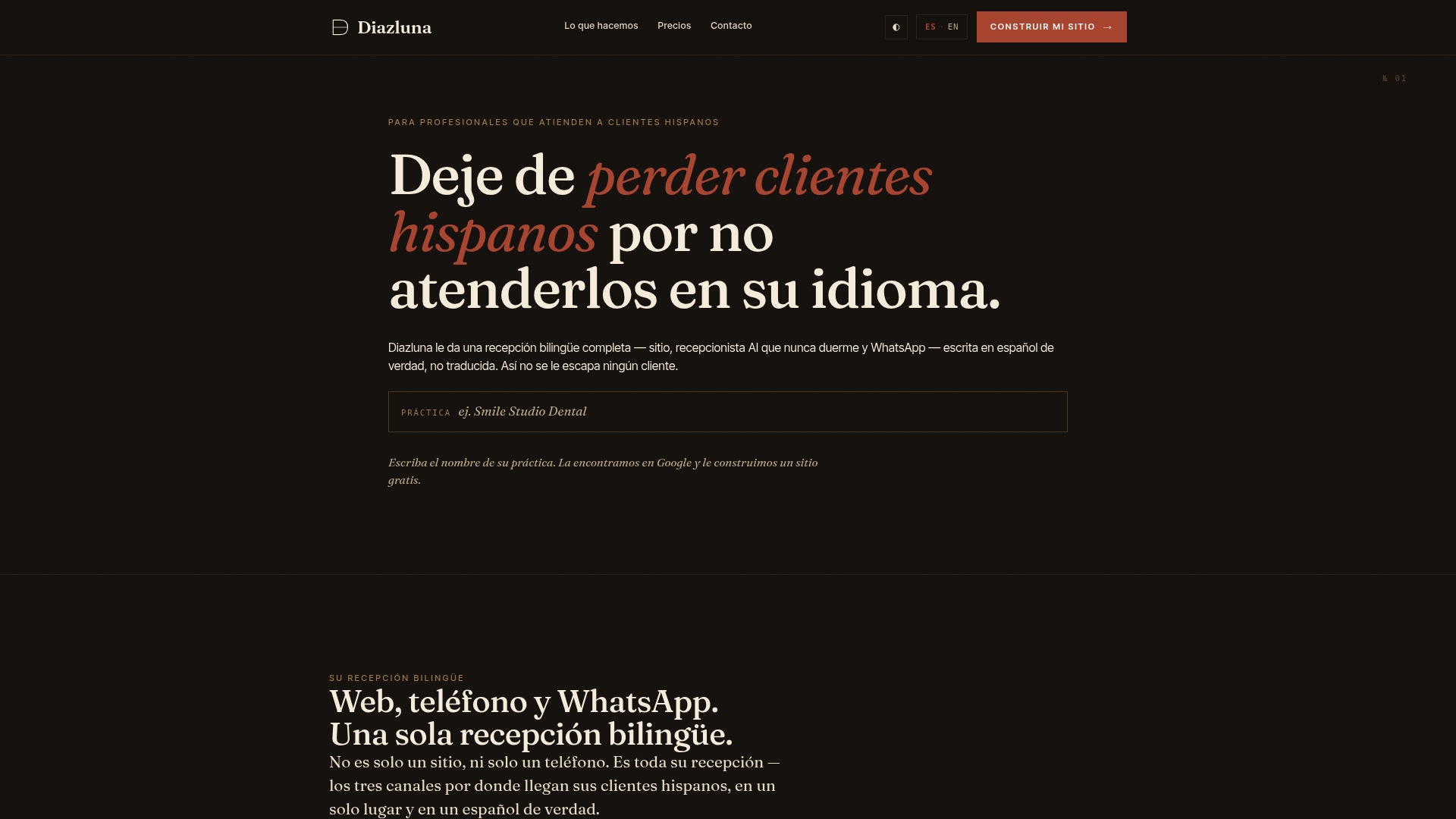
What Diazluna provides:
- A fully optimized bilingual website (Spanish and English) indexed by Google within 24 hours
- A 24/7 AI receptionist fluent in both languages, covering phone, web chat, and WhatsApp
- HIPAA-aware intake workflows with escalation rules configured for your practice type
If you serve Hispanic patients or clients and you are losing calls after hours, the next step is straightforward. Visit the Diazluna dental practice page to see exactly how the bilingual front desk works for practices like yours, or go to diazluna.ai to get started.
Useful sources
The sources below back the claims and recommendations throughout this article. Each is linked to its original publication for further reading.
- Nextiva — AI Receptionists: Automated Service for Busy Businesses: Core definition, hybrid model guidance, and CRM/calendar integration requirements.
- LifeInside — AI Receptionist for Small Business: Over-automation risks, escalation trigger design, and WhatsApp/voice channel value for Hispanic clients.
- Talkdesk — What Is Customer Service Automation?: Iterative deployment model, analytics-driven refinement, and KPI monitoring cadence.
- Zendesk — Automated Customer Service: Hybrid AI-plus-human model and workflow automation for staff efficiency.
- Intermedia — How to Set Up an AI Receptionist: Bilingual CRM field mapping and consistent record-keeping across languages.
- TheCallTaker — AI Receptionist for Small Business: Knowledge base requirements, pricing benchmarks, and 48-hour deployment timeline.
- Bland AI — Automated Customer Service: Conversational AI for routine inquiry handling and voice agent deployment.