October 18, 2026
WhatsApp Opt-In for Healthcare
A valid WhatsApp opt-in from a patient has four parts. The patient agrees clearly and on their own. They know your practice’s name. They know what kinds of messages to expect. They can stop the messages at any time. You collect that agreement outside WhatsApp, or you let the patient start the conversation. You keep a record of it. You also keep protected health information out of the chat unless your setup and your HIPAA safeguards support it.
This guide covers what Meta requires, what HIPAA changes, the consent wording to use, and how to set up a routine your front desk can follow every day. We wrote it for dental, medical and legal practices that serve Spanish-speaking patients, since that is where WhatsApp tends to be most welcome.
TL;DR
- Meta requires explicit, informed opt-in before any business-initiated WhatsApp message. Opt-in cannot be collected inside WhatsApp itself.
- The safest pattern is patient-initiated: a click-to-WhatsApp link on your site or in a confirmation, so the patient sends the first message.
- WhatsApp is not HIPAA compliant by itself. Keep clinical detail out of chats and never use personal accounts for patient care.
- Store consent as a record (who, when, how, which message types, which language), not as a yes/no checkbox.
- Offer the consent text in Spanish and English, written by a person, not run through a translator.
Table of Contents
- What “opt-in” means on WhatsApp
- Two ways a patient can opt in
- What HIPAA adds on top of Meta’s rules
- Reminders versus marketing: keep them separate
- Consent wording that works
- Keep a consent record, not a checkbox
- Set boundaries before you start
- A rollout routine for the front desk
- Our perspective
- Where Diazluna fits
- FAQ
- Sources
What “opt-in” means on WhatsApp
Meta’s Business Messaging Policy asks businesses to get permission before messaging people on WhatsApp. Klaviyo’s help center summarizes the requirement: obtain opt-in before you contact someone. According to Infobip’s compliance documentation, a valid opt-in has to do several things:
- State your business name.
- Say which categories of messages the patient will get, for example appointment reminders.
- Tell the patient they can opt out at any time.
The same page notes that showing a phone number is not an opt-in. Consent given for SMS or email also does not carry over to WhatsApp, so a patient who signed your texting form has not yet agreed to WhatsApp.
The practical meaning: you cannot take the phone numbers in your practice management system and start sending. A list import is the quickest way to get your number reported and blocked.
Two ways a patient can opt in
There are two routes, and most practices use both.
Patient starts the conversation
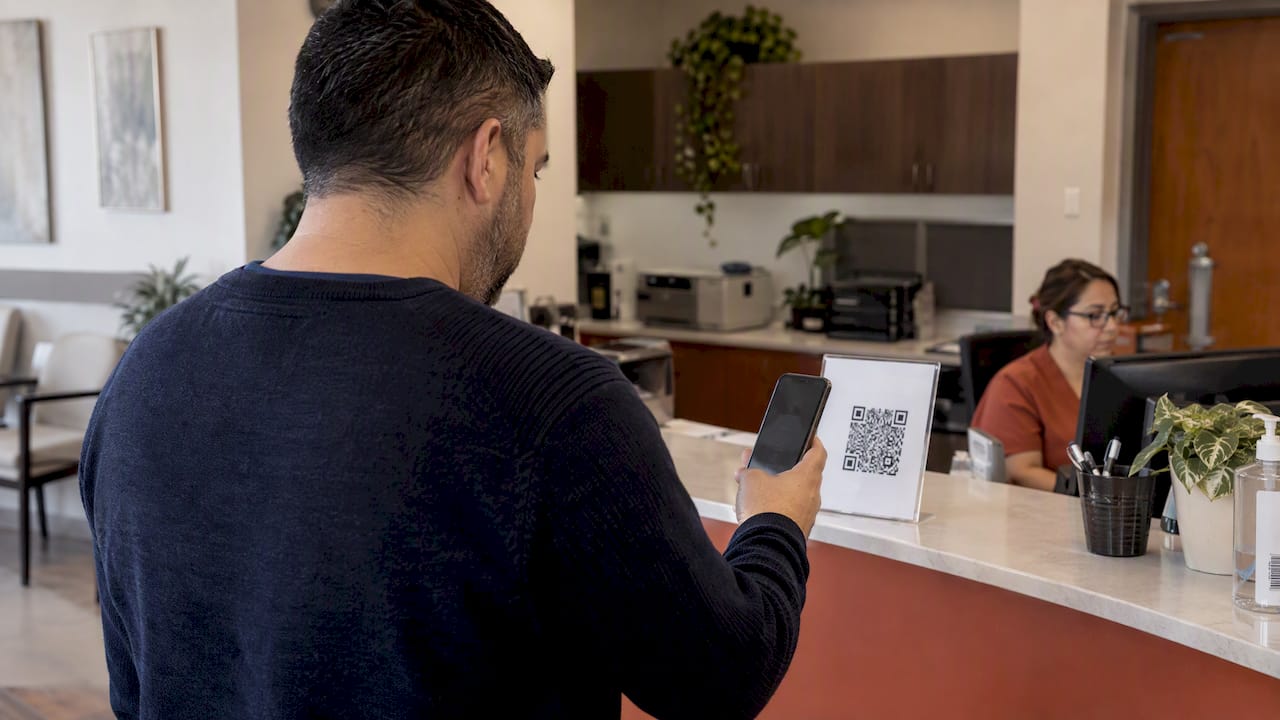
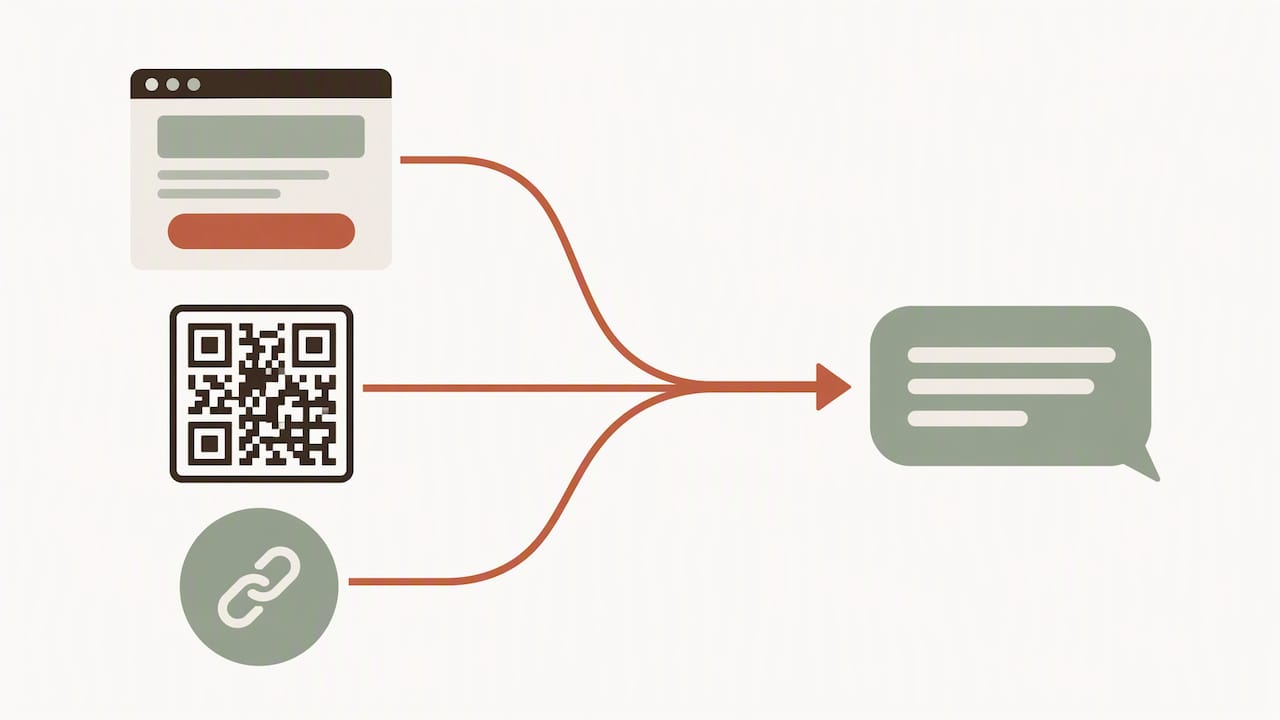
A patient taps a WhatsApp button on your website, scans a QR code at the front desk, or replies to a link in a confirmation. The patient sent the first message, so there is no cold outreach. Klaviyo describes this click-to-WhatsApp link as the most dependable way to establish the connection under Meta’s policy. It also fits HIPAA well, because HIPAA Journal notes that WhatsApp should not be used with PHI unless the communication is initiated or requested by the patient.
Your practice asks first, outside WhatsApp
If you want to send reminders without waiting for the patient to message you, collect consent through another channel: an intake form (paper or tablet), a web form, or a verbal request that staff record. Then confirm it in writing. The patient should see the three elements above, in their own language, before they agree.
The following table compares common collection points.
| Collection point | Works well for | Watch out for |
|---|---|---|
| Intake form at the front desk | New patients, in-person signature | The checkbox must be separate from general terms |
| Website form with WhatsApp checkbox | Prospective patients | Unchecked by default; the form needs the practice name |
| Click-to-WhatsApp button or QR code | Anyone who prefers chat | Patient-initiated only; the first reply should restate what messages to expect |
| Verbal consent on a call | Patients who phone in | Staff must log it, with date and wording used |
| Pre-ticked box or bundled terms | Nothing | Not meaningful, informed consent |
What HIPAA adds on top of Meta’s rules
Meta’s policy tells you whether you may message. HIPAA tells you what you may say.
HHS guidance confirms that providers must accommodate reasonable requests to receive confidential communications by alternative means (45 CFR 164.522(b)). A patient who asks you to reach them on WhatsApp is making that kind of request. That does not make the app a safe place for their chart.
Two practical consequences:
- Treat WhatsApp as an administrative channel. Scheduling, reminders, directions, intake links and general questions are suitable. Diagnoses, lab results and billing balances belong in your portal or a secure channel. A 2026 qualitative study in the Journal of Medical Internet Research points the same way: messaging works best for administrative tasks, simple queries and appointment coordination, not complex clinical discussion.
- Get the paperwork right. Regulators and compliance specialists stress that a signed Business Associate Agreement with the service provider matters, and that encryption alone does not make a practice compliant. Staff should not use personal WhatsApp accounts for patient care. Use the business platform, managed centrally.
For a deeper look at where the line sits, see our piece on why WhatsApp is not HIPAA compliant on its own and our guide to the limits that keep messages safe for U.S. clinics.
If you also send automated texts or marketing-style messages, the FTC points to the Telephone Consumer Protection Act and the Telemarketing Sales Rule, which require prior express written consent for certain automated telemarketing messages. That written consent includes the consumer’s phone number and signature, and discloses that it covers future messages. Ask your healthcare attorney how it applies to your reminders versus your promotions.
Reminders versus marketing: keep them separate
There is a real difference between a message tied to care a patient already scheduled and a broadcast that promotes a service. Guidance on healthcare WhatsApp use says transactional messages tied to active care are handled more flexibly, but you should still document consent for WhatsApp and include an easy way to opt out.
We recommend asking for them separately:
- Appointment and care logistics: reminders, rescheduling links, arrival instructions, forms to complete.
- Practice news and promotions: whitening offers, flu clinic dates, new-hours announcements.
A patient who wants reminders but no promotions should be able to say so. It also protects you: if someone opts out of promotions, you have not lost the ability to remind them about Thursday’s cleaning.
Our article on automating appointment reminders on WhatsApp walks through the reminder side in more detail.
Consent wording that works
Good consent text is short, specific and in the patient’s language. Here is a model you can adapt. Have your compliance advisor review it before use.
I agree to receive WhatsApp messages from [Practice Name] about my appointments, such as reminders, confirmations and scheduling changes. Messages will not include test results or detailed medical information. I can reply STOP at any time to end these messages. Message and data rates may apply.
And the Spanish version, written as a Spanish speaker would phrase it rather than translated word for word:
Acepto recibir mensajes de WhatsApp de [Nombre de la clínica] sobre mis citas, como recordatorios, confirmaciones y cambios de horario. Los mensajes no incluirán resultados de exámenes ni información médica detallada. Puedo responder STOP en cualquier momento para dejar de recibirlos.
A few drafting notes:
- Name the practice exactly as the patient knows it.
- List categories, not “updates.” Vague wording such as “stay informed” does not tell the patient what they are agreeing to.
- Say what is excluded. Telling patients that results and diagnoses will not arrive by WhatsApp sets the right expectation.
- Make the opt-out visible on the form and again in the first message.
- Offer both languages side by side, and let the patient choose. If a patient signs something they could not fully read, you do not have informed consent.
We cover the Spanish side of this in more depth in three Spanish texting consent elements for HIPAA, and have sample WhatsApp consent messages you can model your first reply on.
Keep a consent record, not a checkbox
A single yes/no field will not tell you much if a patient disputes a message or a regulator asks. Log these items for every patient:
- Patient name and WhatsApp number.
- Date and time of consent.
- How it was collected (intake form, website form, click-to-WhatsApp, verbal).
- The exact wording shown, and its language.
- Message categories agreed to (logistics, promotions, or both).
- Opt-out date, if any, and who processed it.
Store the signed form or form-submission log with it. When a patient opts out, update the record the same day and confirm the opt-out in a final message.
Set boundaries before you start
Research on clinical messaging keeps arriving at the same conclusion: use without clear, local guidelines is a significant risk. A short internal protocol should cover:
- What staff may and may not send.
- Response-time expectations, especially after hours.
- What happens when a message sounds urgent.
- Who reviews the conversation log.
The urgent-case rule matters most. Put it in the first message and on your website: WhatsApp is not for emergencies; call 911 or your urgent line. Then make sure that urgent line is actually answered. Our look at urgent call routing for U.S. clinics with Spanish-speaking patients shows how.
Writing a boundary message is easier with a model. Studios in other industries do it well, for example this absence-message and checklist template for dance studios. The tone transfers: friendly, clear about what the channel is for, and specific about when to call instead.
A rollout routine for the front desk
- Decide the use cases. Start with reminders and scheduling only.
- Write the consent text in both languages and have counsel review it.
- Add the click-to-WhatsApp button to your site and a QR code at reception.
- Train staff to ask, record and explain in the patient’s preferred language.
- Send a welcome message restating the message types and the STOP instruction.
- Audit monthly. Check a sample of conversations against consent records and remove anyone who opted out.
Practices that want to go further can follow our steps for starting WhatsApp appointment booking in an hour.
Our perspective
We build bilingual front desks for practices serving Hispanic patients, so we see where WhatsApp helps and where it goes wrong. Patients often prefer it because it is the app they already use all day. Practices often struggle with the same three things: consent that exists only as a verbal “sure,” Spanish text that reads like a machine wrote it, and staff chatting from personal phones.
Our position is simple. Consent is part of the patient relationship, not a legal hurdle to clear once. A patient who reads clear, natural Spanish explaining exactly what you will send, and what you will not, trusts you more before the first message arrives. That is why we write the Spanish by hand and have it reviewed by people rather than translating it, and why we keep the channel to scheduling, reminders and questions, with urgent cases passed to a person with a summary. Dental practices, in particular, see the payoff; our article on WhatsApp patient engagement in dental practices shows what that looks like.
— Francisco
Where Diazluna fits
Diazluna combines a bilingual website, a 24/7 AI receptionist and WhatsApp integration, so the opt-in button, the consent text and the first reply all live in one place and in both languages. Plans are published on our site:
- Solo Sitio: $99 per month or $990 per year, for the bilingual website.
- Sitio + María: $199 per month or $1990 per year, adding the AI receptionist.
- Sitio + María Pro: $349 per month or $3490 per year.
- Activación: $399, one time.
Setup of the site is free, and you can edit it without technical skills. See the plans and how it works.
FAQ
Do patients have to opt in before I send a WhatsApp reminder?
Yes, for business-initiated messages. Meta’s policy requires explicit opt-in before you send them. If the patient messaged you first, you are replying within the conversation they started, but you should still record their consent for future reminders.
Can a patient opt in by giving me their phone number?
No. Per Meta’s requirements as described by Infobip, displaying or providing a number is not an opt-in. The patient has to agree to receive WhatsApp messages from your named practice, knowing the message types.
Is a WhatsApp opt-in the same as HIPAA authorization?
No. Opt-in is permission to contact; it does not make the app a secure place for health information. HIPAA still requires reasonable safeguards, and a Business Associate Agreement where a vendor handles PHI. Ask your compliance advisor to review your setup.
What should I do when a patient writes STOP?
Stop all non-urgent messages right away, record the opt-out with the date, and send one confirmation. Offer another way to reach you, such as phone or portal, so the patient does not miss care instructions.
Can I use my personal WhatsApp for patient messages?
We advise against it. Personal accounts have no central records, no access controls and no consent tracking. Use a business account managed through a platform your practice controls.
Sources
- Collect and manage user opt-ins, Infobip
- Understanding WhatsApp consent collection, Klaviyo Help Center
- Is WhatsApp HIPAA Compliant?, HIPAA Journal
- HHS guidance on disclosures for treatment, payment and health care operations
- FTC: Collecting, using or sharing consumer health information
- Clinician-patient asynchronous text messaging, Journal of Medical Internet Research
- WhatsApp in hospital? Determinants to use, PubMed Central
- Official WhatsApp API for Hospitals & Clinics, QuickMessage
- Absence messages and studio checklist